

Settings
Open Settings with ⌘, on macOS (Damdit → Settings…) or Ctrl+, on Windows and Linux (File → Settings…). Settings apply to Damdit on this computer. What belongs to one website, such as its addresses and connections, is in Project settings.
| Section | What’s there |
|---|---|
| General | Appearance, startup and automatic audits |
| AI Tools | The damdit command, MCP, the agent skill and what AI tools may do |
| Advanced | The PageSpeed Insights key |
| Account | Your licence, account, subscription and devices |
| Privacy & Data | Anonymous diagnostics, export and deletion |
| About & Support | Version, updates and support |
General
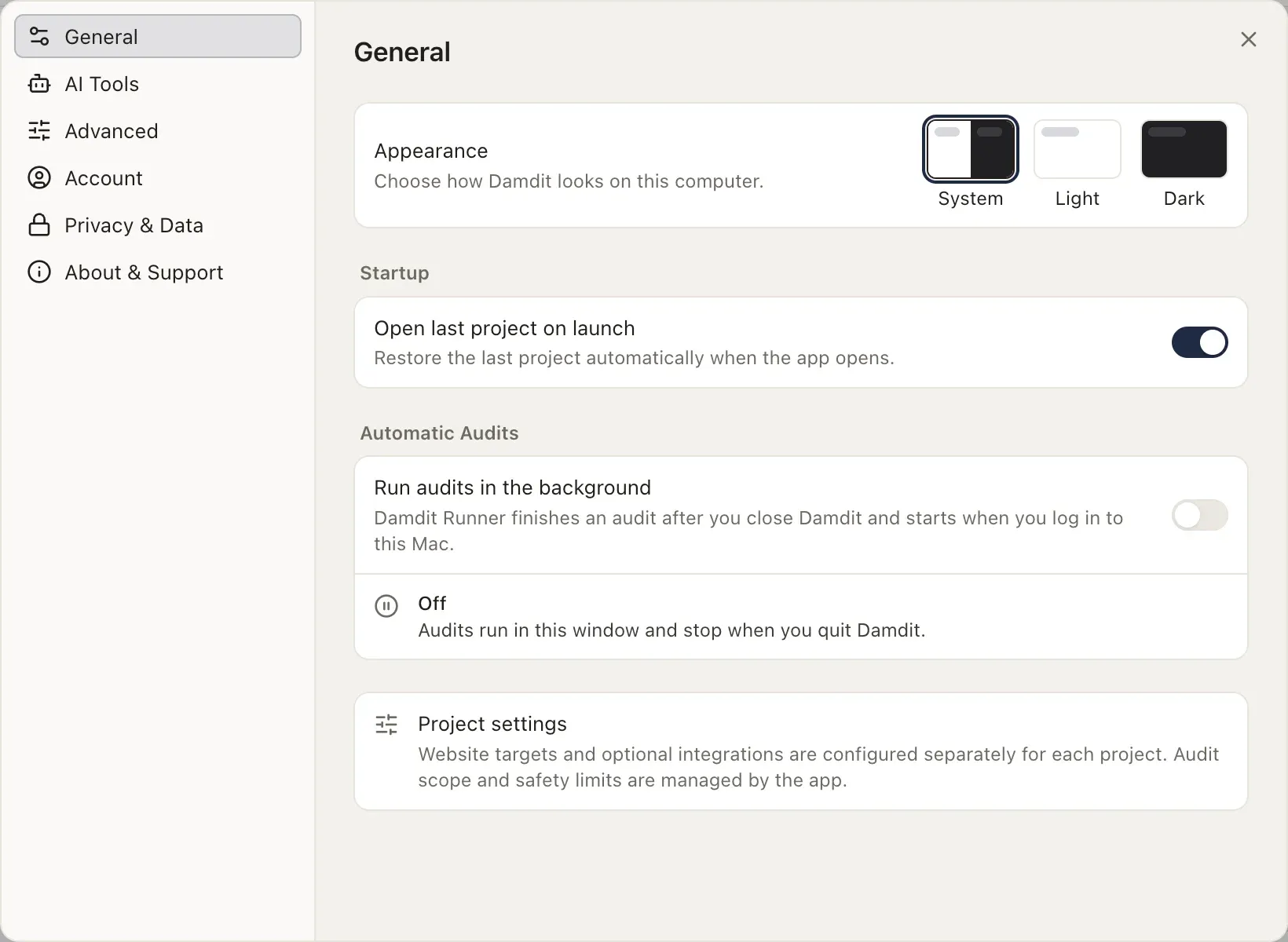
Section titled “General”- Appearance: System, Light or Dark. System follows your computer.
- Open last project on launch: reopen the project you had open.
- Automatic Audits: run audits in the background and, on a Mac, wake it for scheduled audits. See Background audits.